Codespaces is a cloud development environment (CDE) that’s hosted in the cloud. You can customize your project for GitHub Codespaces by committing configuration files to your repository (often known as Configuration-as-Code), which creates a repeatable codespaces configuration for all users of your project. GitHub Codespaces overviewDocumentation Index
Fetch the complete documentation index at: https://hedera-0c6e0218-514-egress-ports.mintlify.app/llms.txt
Use this file to discover all available pages before exploring further.
Prerequisites
- Review first the Quickstart for GitHub Codespaces guide.
- Install VS Code Desktop application.
- In Editor preference change your client to
Visual Studio Code(Should not beVisual Studio Code for the Web)
Configure Dev Container
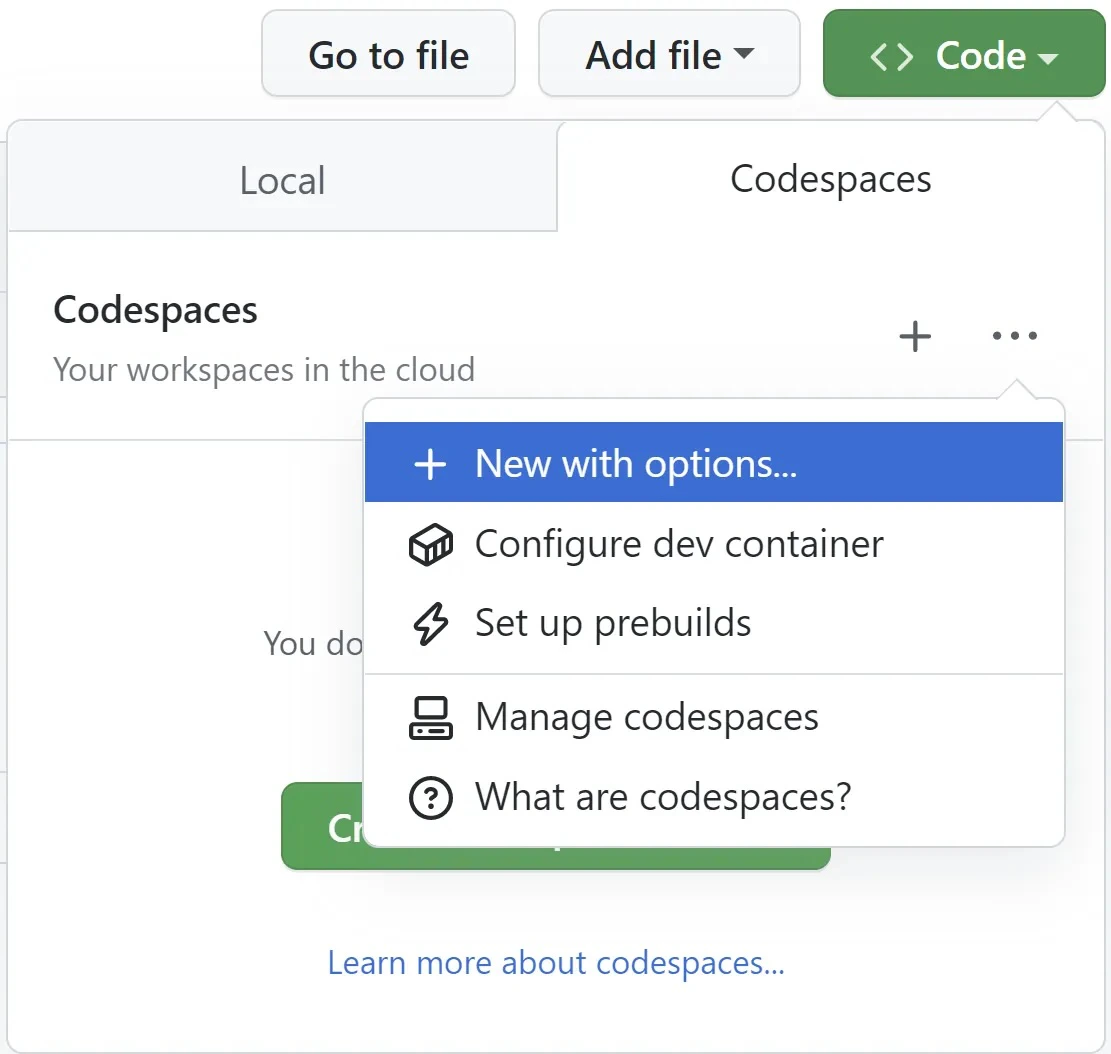
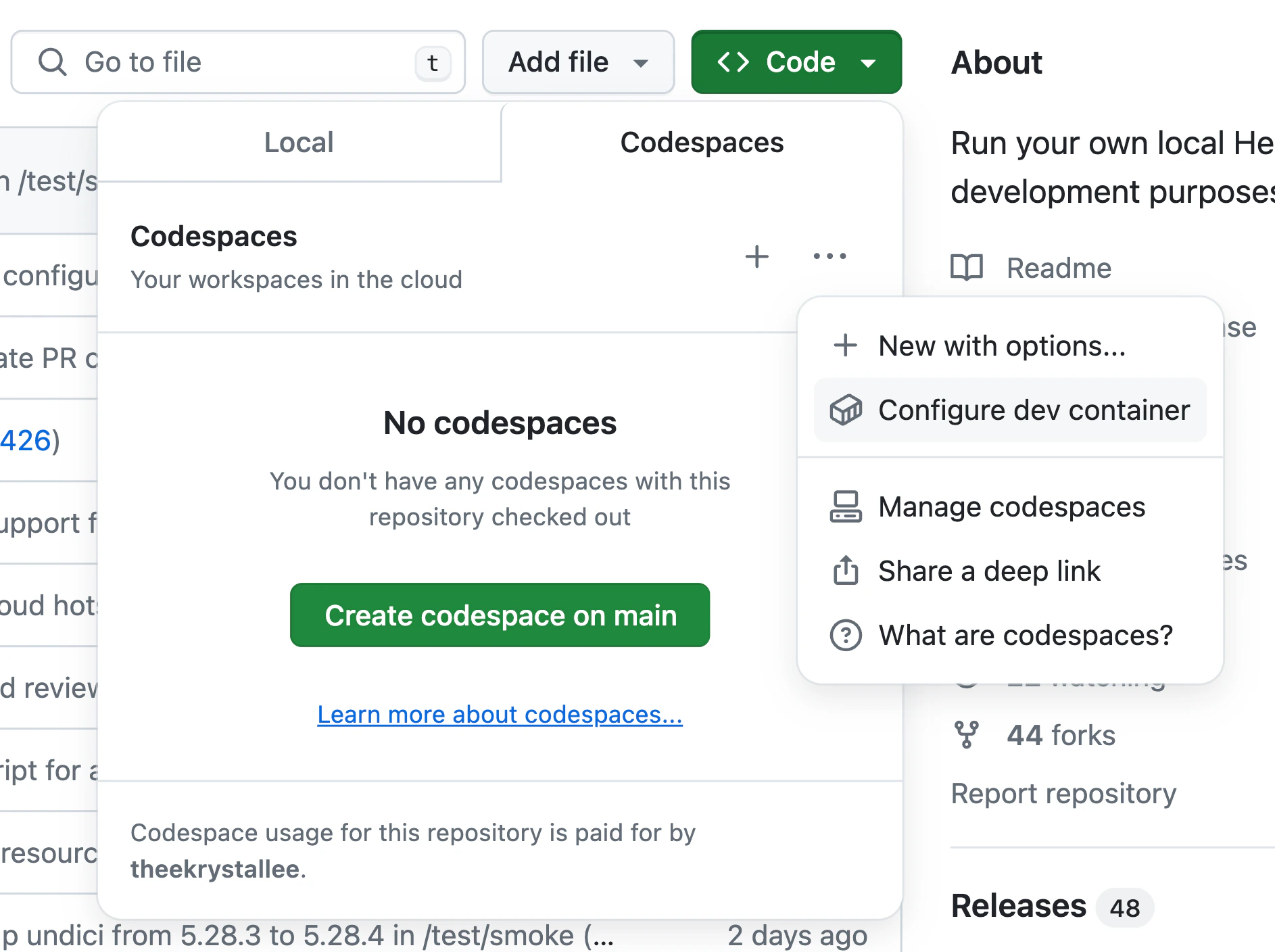
To configure t he dev container, open the Hedela Local Node repo and click on theCode->Codespaces->...-> Configure dev container.
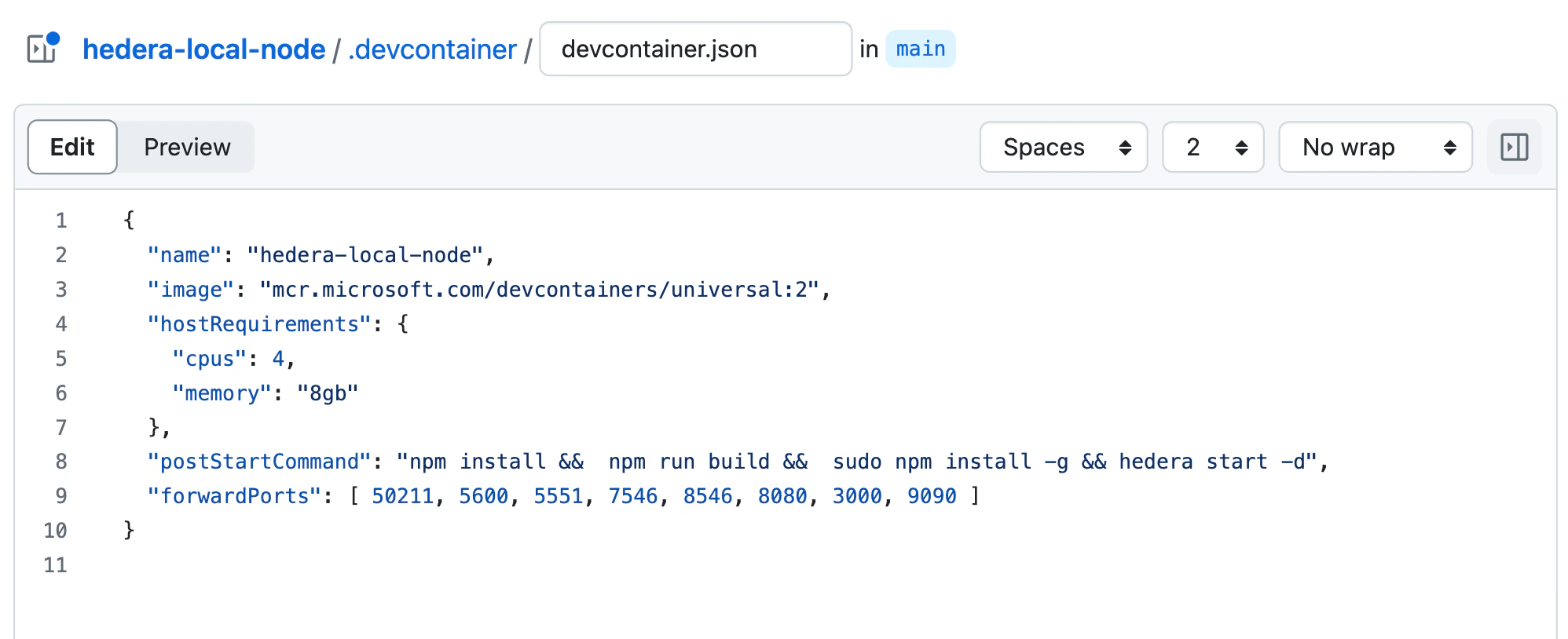
Note: If you make changes to your config file, commit and push your changes before running local node, to ensure the project starts with the right configuration.
Creating and Running Your Codespace
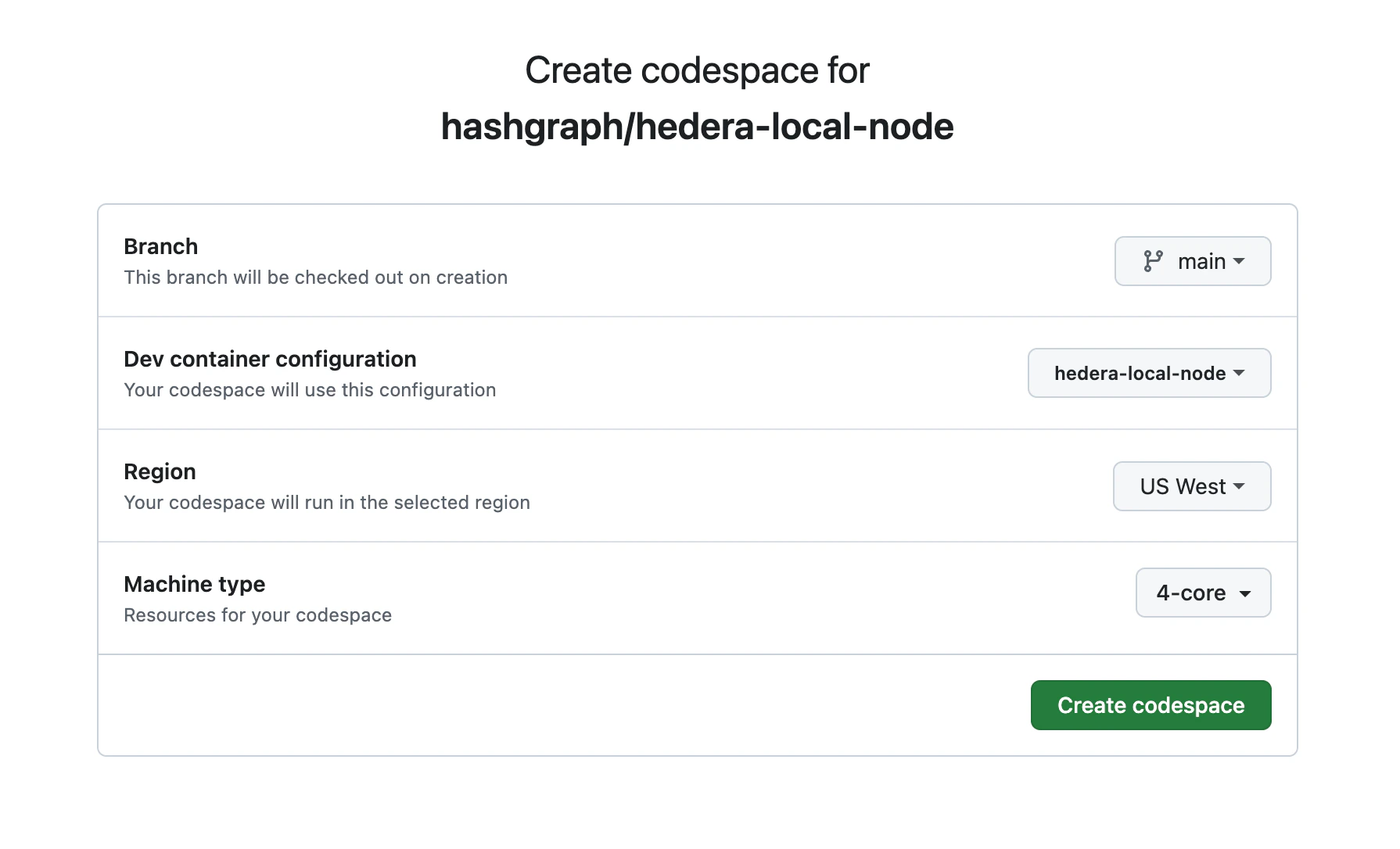
Open the Hedela Local Node repo and click on theCode->Codespaces->...-> New with options... button and choose the appropriate settings: